Physical Address
304 North Cardinal St.
Dorchester Center, MA 02124
Physical Address
304 North Cardinal St.
Dorchester Center, MA 02124
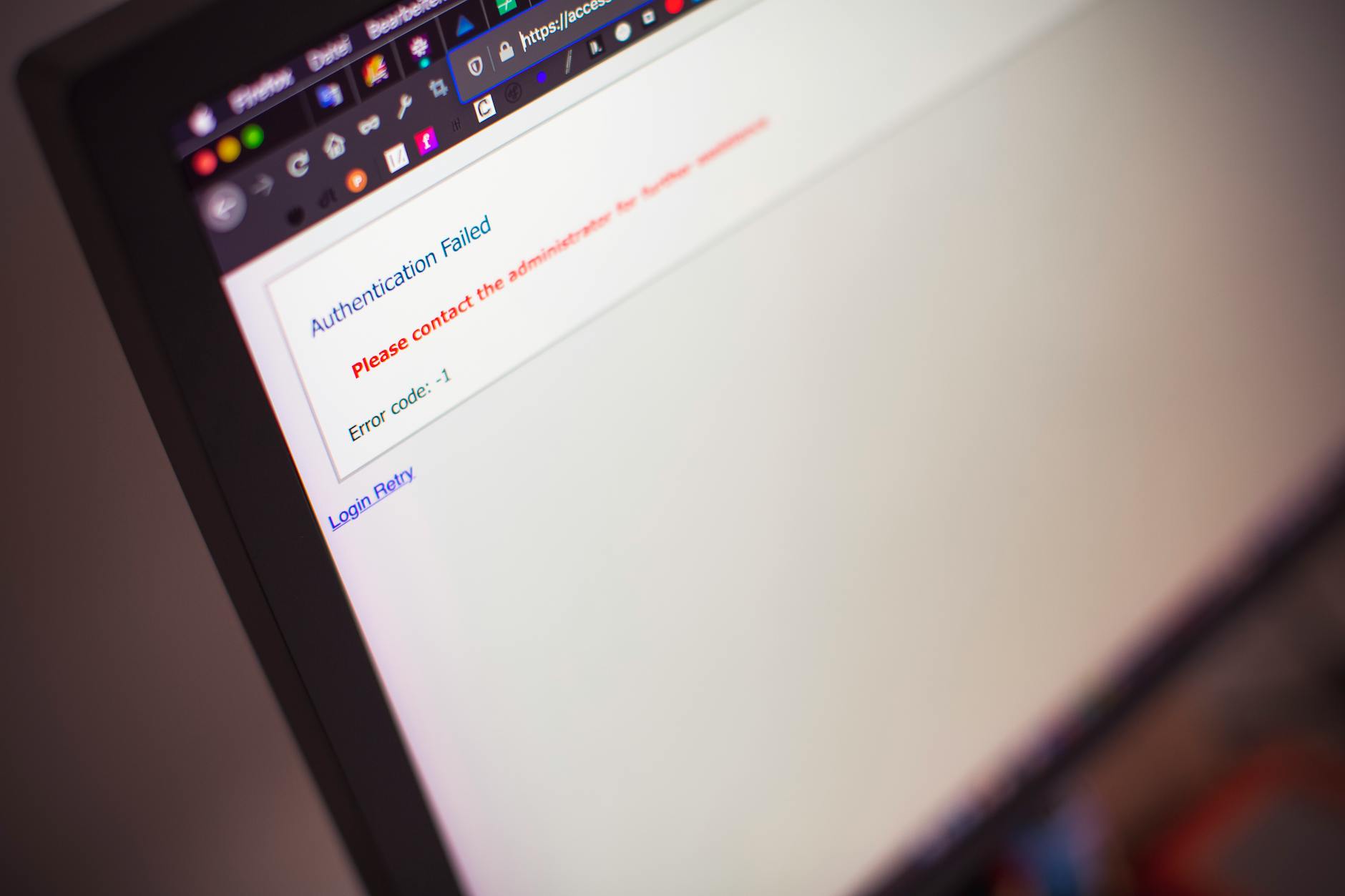
My client’s website got hacked on a Tuesday morning. Not a sophisticated attack — someone exploited an outdated plugin with a known vulnerability.
Disclosure: This post contains affiliate links. If you make a purchase through these links, I may earn a small commission at no extra cost to you.
Photo by Pixabay — Pexels
My client’s website got hacked on a Tuesday morning. Not a sophisticated attack — someone exploited an outdated plugin with a known vulnerability. The site was injected with pharma spam links, Google flagged it as compromised, and organic traffic dropped to zero overnight. It took two weeks to fully recover.
The fix took 3 hours. The prevention would have taken 30 minutes. This guide covers the 30-minute version — the basic security steps that stop 95% of common attacks. You don’t need to be a security expert. You just need to not be an easy target.
Your hosting provider is the foundation of your website security. A host with poor server-side security puts you at risk regardless of what you do on your end.
What to look for:
Hosting.com includes server-level security across all plans, including malware scanning and automatic patching. Their Managed VPS adds proactive monitoring. InterServer provides InterShield security protection on their hosting accounts.
SSL encrypts the connection between your website and visitors. Without it, browsers display a “Not Secure” warning, visitors leave, and Google penalizes your rankings.
We have an entire guide on why you need an SSL certificate. The short answer: it’s free with most hosting plans and there’s zero reason not to have it in 2026.
This is the single most important security practice, and the most commonly ignored.
If updating manually feels like a chore, managed WordPress hosting (like Hosting.com Managed WordPress) handles this automatically.

Photo by Sora Shimazaki — Pexels
Brute force attacks (guessing passwords until one works) are constant. Your admin password needs to be:
Add two-factor authentication (2FA) to your admin login. Even if someone gets your password, they can’t log in without the second factor. For WordPress, the Wordfence or WP 2FA plugin handles this.
For WordPress specifically:
Pick one. Don’t install multiple security plugins — they conflict with each other and can actually create vulnerabilities.
Backups won’t prevent an attack, but they let you recover quickly when one happens. Without backups, a compromised site might mean rebuilding from scratch.
By default, WordPress allows unlimited login attempts. Attackers exploit this with automated brute force tools that try thousands of passwords per hour.
Fix it: limit login attempts to 3-5 tries, then lock out the IP for 30 minutes. Wordfence does this automatically. You can also change your login URL from the default /wp-admin to something custom — it reduces automated attack traffic significantly.
A WAF filters incoming traffic and blocks common attack patterns (SQL injection, XSS, file inclusion) before they reach your website. Two options:
Using Cloudflare as your CDN (we explain this in our CDN guide) gives you a WAF and DDoS protection for free.
| Task | Priority | Difficulty | Time |
|---|---|---|---|
| Install SSL certificate | Critical | Easy | 5 min |
| Update CMS, plugins, themes | Critical | Easy | 10 min |
| Strong passwords + 2FA | Critical | Easy | 10 min |
| Install security plugin | High | Easy | 5 min |
| Set up automated backups | High | Easy | 10 min |
| Limit login attempts | High | Easy | 2 min |
| Enable WAF/Cloudflare | Medium | Easy | 15 min |
| Remove unused plugins/themes | Medium | Easy | 5 min |
| Change default login URL | Medium | Easy | 5 min |
| File permissions audit | Medium | Moderate | 15 min |
Reasonably secure, yes — if the host implements proper account isolation and keeps servers updated. But shared hosting has inherent risks since multiple sites share the same server. For sensitive sites, VPS hosting provides better isolation.
The free versions of Wordfence and Cloudflare cover most security needs. Premium versions add real-time threat intelligence and more advanced features, but free is sufficient for most small to medium websites.
Don’t panic. Restore from your most recent clean backup. Change all passwords. Update everything. Scan for remaining malware. If the infection is severe, contact your hosting provider’s support — providers like Hosting.com can help with malware cleanup.

Photo by Christina Morillo — Pexels
Website security isn’t a one-time setup — it’s ongoing maintenance. Schedule 15 minutes every week to check for updates and review security logs. That tiny time investment prevents the kind of nightmare I described at the start of this article.
Start with solid hosting from Hosting.com or InterServer, add SSL, keep things updated, and use a security plugin. That combination stops the vast majority of attacks. Don’t wait until your site gets hacked to take security seriously.


